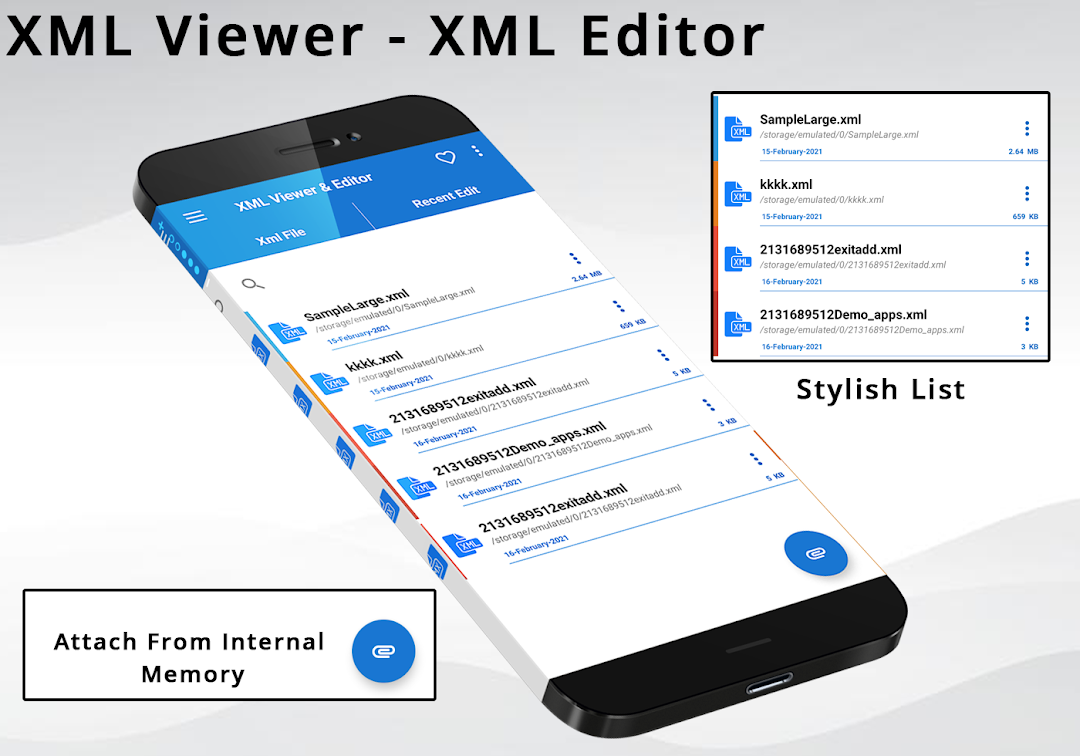
Xml Viewer - Xml Editor est une application Outils développée par AwamiSolution et peut être utilisée sur les appareils mobiles, mais en utilisant le meilleur émulateur Android - LDPlayer, vous pouvez télécharger Xml Viewer - Xml Editor et l'exécuter sur votre ordinateur.
En exécutant Xml Viewer - Xml Editor sur votre ordinateur, vous pouvez naviguer clairement sur un grand écran, et contrôler les applications à l'aide de la souris et du clavier est beaucoup plus rapide que de toucher l'écran, et vous n'avez jamais à vous soucier de la puissance de votre appareil.
Grâce aux fonctionnalités multi-instance et de synchronisation, vous pouvez également exécuter des applications et des comptes multiples sur votre ordinateur.
La fonction de transfert de fichiers entre l'émulateur et l'ordinateur facilite également le partage de photos, de vidéos et de fichiers.
Téléchargez Xml Viewer - Xml Editor et exécutez-le sur votre ordinateur dès maintenant et profitez de l'écran large et de la haute qualité d'image pour la version PC!
XML File Viewer & XML File Editor is the best tool to view and edit the XML file so without any time-wasting download this android tool xml viewer & xml editor. If You worry about how to view xml file or edit xml file this is the best tool for XML Reader & XML Editor. Easily copy text from xml and share it anywhere you want. You can use these tools as Xml Viewer tools for mobile as you open xml in Pc .Xml Viewer - Xml Editor opens and edits any file with extension ".xml" There is no need for additional resources because this app provides you with a complete feature for xml reader & editor .
Xml editor is specially designed for viewing and opening all xml files and reading any xml and html files and use this editor as xml viewer like in your laptop and personal computer.
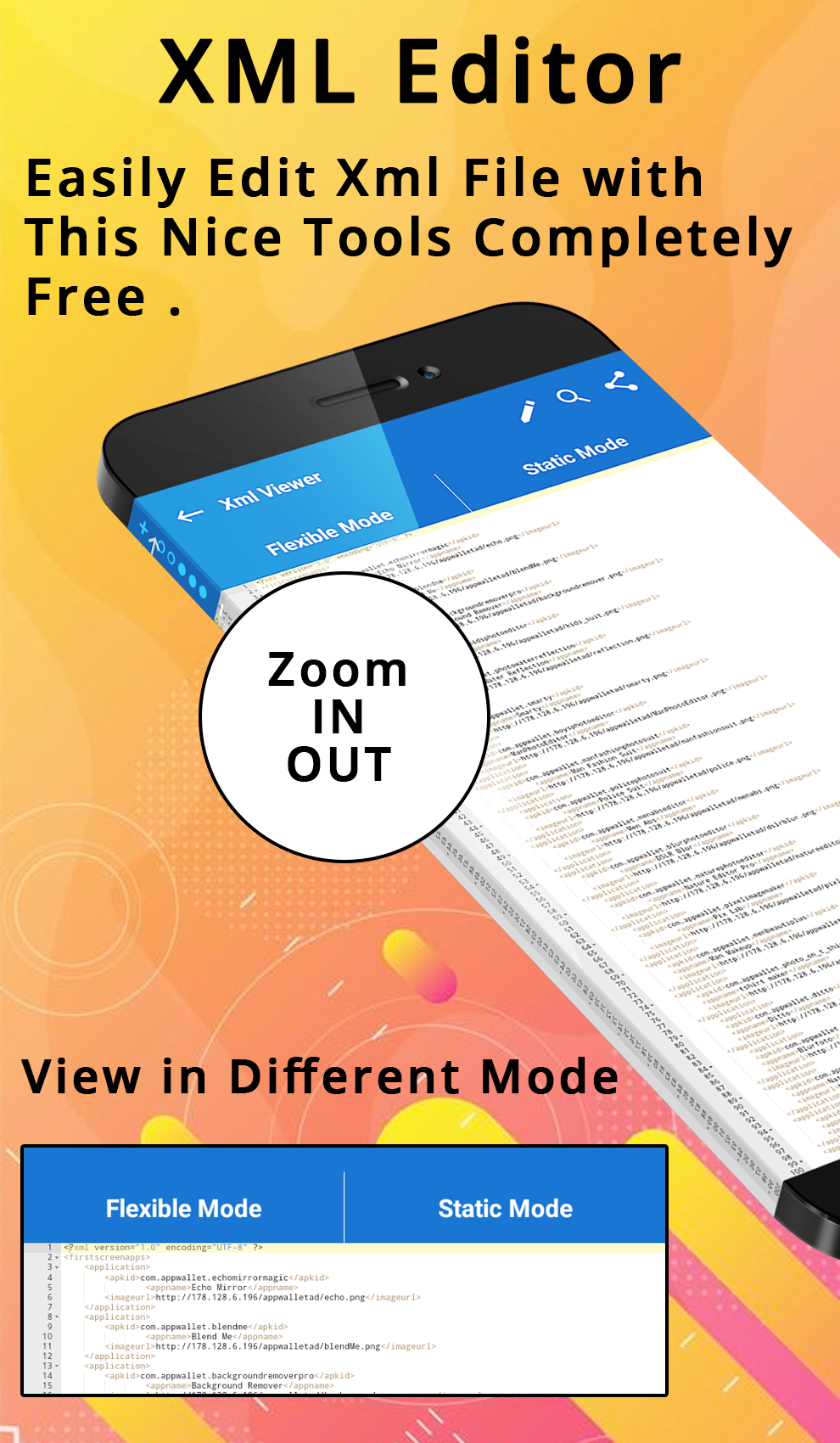
Using our application you can easily move xml code from one page to another by just sharing it or copy the code from one xml page to other. The xml viewing and xml opener have the ability to zoom in and zoom out the code text to view easily and clearly and understand the code on a simple way. xml editor for android is the best tool.
XML Editor: xml Viewer and XML Reader is best android tool and when you open the file with .xml extension mean XML and HTML file you can edit your code and can change the code of xml move the lines of code according to your need and add more code or remove some lines of xml code which is not necessary for your desired use.
Xml Viewer for android is a very powerful tool to simply edit and view for android as a XML viewing for android to handle the xml files.
So if you are in search of xml editor for android or xml viewing for android so you are in the right place without wasting any more time please download this XML Viewer and XML Reader android free tool to handle the .xml file extension and easily and simply open and read the xml file with just one click on your xml file and start using our application and also inform your friend about its good use and if you have any problem in this xml reader so please quickly inform us our team will try to quickly resolve the issue and make it perfect.
🚦 Feature in XML Editor: XML Viewer and XML Reader :
📝 Xml editor for android
📝 Xml viewing for android
📝 Xml opener and xml reader
📝 Easily copy and share xml code
📝 Zoom in and zoom out the xml code
📨 Contact Us :
Any time contact us our team is always ready to take your feedback on board and respond to you as quickly as possible. Email us on cristalhub123@gmail.com