Dragon Block Mod for Minecraft est une application Divertissement développée par Longo Mods Craft et peut être utilisée sur les appareils mobiles, mais en utilisant le meilleur émulateur Android - LDPlayer, vous pouvez télécharger Dragon Block Mod for Minecraft et l'exécuter sur votre ordinateur.
En exécutant Dragon Block Mod for Minecraft sur votre ordinateur, vous pouvez naviguer clairement sur un grand écran, et contrôler les applications à l'aide de la souris et du clavier est beaucoup plus rapide que de toucher l'écran, et vous n'avez jamais à vous soucier de la puissance de votre appareil.
Grâce aux fonctionnalités multi-instance et de synchronisation, vous pouvez également exécuter des applications et des comptes multiples sur votre ordinateur.
La fonction de transfert de fichiers entre l'émulateur et l'ordinateur facilite également le partage de photos, de vidéos et de fichiers.
Téléchargez Dragon Block Mod for Minecraft et exécutez-le sur votre ordinateur dès maintenant et profitez de l'écran large et de la haute qualité d'image pour la version PC!
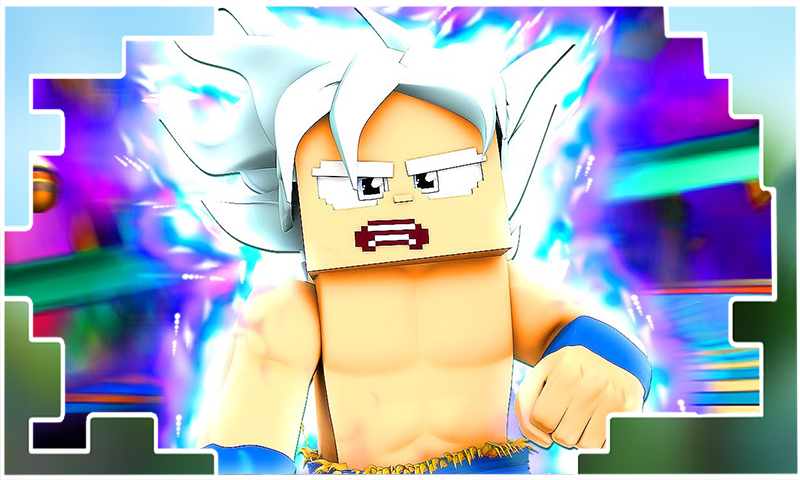
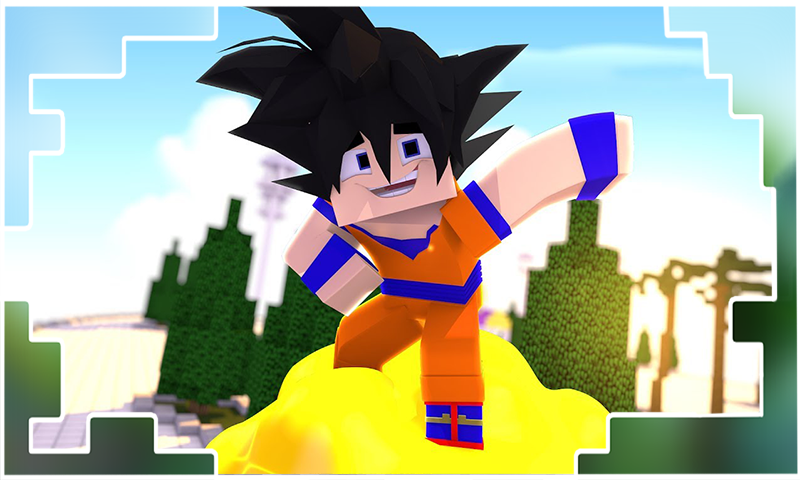
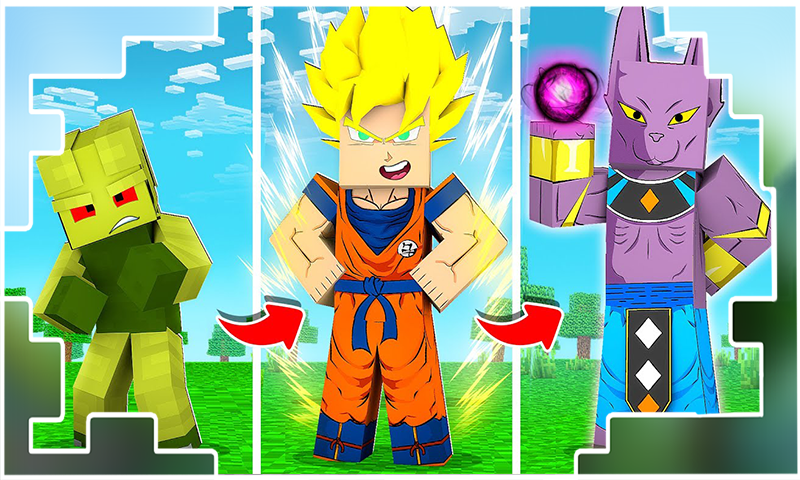
The Dragon Block mod for Minecraft Pocket Edition will diversify your pixel world with new goku and kai characters, and the mod will add new items and unique abilities to the multicraft game. Dragonball is a fun mod with your favorite characters, you can also install other add-ons, mods, maps and skins with legendary mobs, items or blocks!To use our applications | fashion | additions | cards | Macaddon | rtx shader | textures and other applications you must have Mincraft PE!
Dragon Ballz Mod Minecraft PE contains different skins. The characters are as strong and powerful as possible. Each skin has hundreds or even hundreds of millions of addons of health, so the battle will be very costly in terms of resources.
If you install Mod Saiyan for MCPE Bedrok on your mobile device, you will have the opportunity to become a real Goku or Sayan from dragonball, which will finally destroy all evil spirits in Pocket Edition. With Dragon Ball Mod for Minecraft block mobs, your virtual world will become much cleaner and simpler. Amazing techniques and abilities will significantly change survival for the better.
Addon Dragon Mod adds main character modes from anime Dragonball Super, Z and Kai to Minecraft Bedrock Edition, the addon contains a total of 10 new characters that you can use and have fun in craftsman, each character has its own unique abilities, skins and weapons, also they are very well detailed with PTX ray tracing technology, play this addon and enjoy the game.
Benefits of our Mod:
✅ One-click automatic installation
✅ Large selection of mods / addons / skins / maps / minigames / textures / shaders / texture packs
✅ Continuous app updates
✅ Extended description
✅Totally free
✅Realistic graphics with ray tracing technology
✅ Huge selection of different MC skins and textures
✅Regular updates of all mods / addons / textures / skins / maps
Play our free apps with high quality realistic graphics thanks to the new ray tracing technology with RTX Sheidras, enjoy the journey through the cube world of craft building games with our addons goku wallpapers mcaddons!
Disclaimer: This application is not approved nor affiliated with Mojang AB, its name, commercial brand and other aspects of the application are registered brands and the property of their respective owners. This app adheres to the terms set out by Mojang. All items, names, places and other aspects of the game described within this application are trademarked and owned by their respective owners. We make no claim to and do not have any rights to any of the foregoing.